
All news
6 clever Neoship features that make dispatch in your e-shop easier
19 March 2023
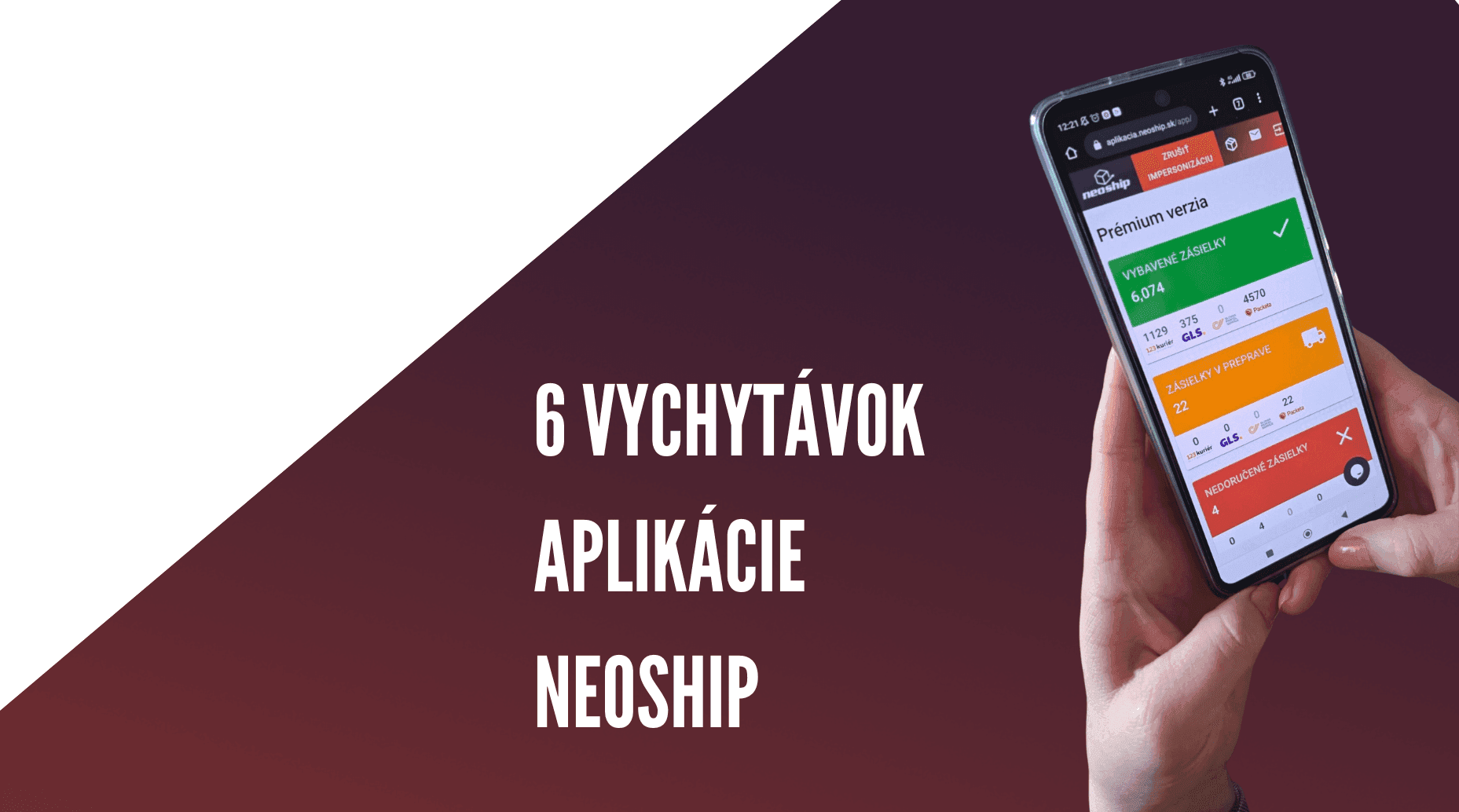
6 lesser-known features of the Neoship app that will save you time and nerves in your everyday dispatch.
Does working with parcels and all the admin around them take up a lot of your time? Leave the dispatch to us and spend your time on more important activities in your e-shop. Neoship's features make that possible. As there are quite a few of them in the app, we have focused above all on those that can be real added value for an e-shop, save time and make working with parcels more efficient.
1. Dashboard
The dashboard in Neoship gives you an overall view of your dispatch. You will find an overview of delivered parcels (the green box), undelivered parcels (the red box) and parcels in transit (the orange box). Whether you use one, two or all of the carriers, we show you all their parcels here, both in total and individually. From every single box you can jump to a specific parcel and deal with its current “problem” (see the specific example in the video). Besides parcels, the dashboard also shows a summary of paid-out COD amounts, filtered by payment method (card/cash) and by the currency they were paid into the account in. A summary of outstanding COD amounts completes the picture.
The benefit for your e-shop
- If you use several carriers, you do not have to switch between their individual systems. You have everything together, and from here you can also “switch on” an individual view per carrier and work only with the parcels you currently need.
- As soon as you spot a new number in the red box, you can jump straight to the specific parcel, use the “notification envelope” to sort the situation out with the carrier, arrange a fix and prevent your customer's negative emotions.
2. Write to the carrier
Next to every single parcel record, an “envelope appears” once the label has been generated. It lets you write to the carrier's customer service, ask for a change to the COD amount or file a complaint. Your request is sent to the carrier, who will try to handle it and get back to you as soon as possible.
The benefit for your e-shop
- You do not have to call or e-mail the carrier. You do not have to copy the tracking number and explain to the carrier which parcel it is about. The pre-filled form contains everything the carrier needs to see. Your only job is to write the request.
- A parcel you have raised a question about stays specially marked in Neoship with a coloured label according to the type of request, so that you know what you were dealing with on that parcel and can find it again later using a filter.
3. COD payments
A quick overview of all COD payments is on the dashboard. Besides that, you can work with them in detail in a separate view of paid-out and outstanding COD amounts.
Paid-out COD:
You will find the data for every single paid-out COD amount in one place in Neoship. You can display exactly what you need using a range of filters: carrier, delivery country, date the payment was received in the account, amount in the account, variable symbol, tracking number, currency, payment type (card/cash). You can then export them in 4 different formats – Excel, CSV, XML, SEPA XML.
Outstanding COD:
Neoship gives you not only information about COD amounts already paid out, but also about those where the COD has not yet been collected or has not yet been paid into your account.
The benefit for your e-shop
- Most carriers send COD reports only in Excel, so accountants have to match COD payments with invoices manually, one by one. In Neoship you can generate exactly the report you need. Many accounting programs are set up today so that you can bulk-upload a CSV or SEPA XML file into them, which automatically matches COD payments to invoices. If you handle these things in-house, you will definitely save a lot of time. If you send reports to your accountant, you save her time too, which could even reduce the invoice for her services.
- The overview of outstanding COD amounts can help you plan cashflow, further purchases or sales better, because you know how much money (still sitting in parcels for now) you can soon count on.
4. E-mail
Neoship gives you three e-mail templates in which you can write your own texts, add interactive references, links to social media and give them your identity through your corporate colours. Besides Slovak you can set up such an e-mail in several language variants: Czech, Hungarian, English and German. The recipient then receives an e-mail in the language used in their country.
The benefit for your e-shop
- Forget the classic delivery notification e-mail. The carrier will of course send that if you have it activated as an additional service. In Neoship, however, you can set up a far more attractive e-mail. Besides telling your customer that the shipment has been delivered, you can treat the e-mail as a marketing tool supporting further sales, grow your social media following or add a link to a special offer or sale.
5. Statistics
How the number of parcels develops, the weights you send most often, charts splitting parcels between address delivery and pickup points, deliveries in Slovakia and abroad, a list of returned parcels and their percentage share of the total – you will find all of it in the Neoship statistics.
The benefit for your e-shop
- A comprehensive view of how your dispatched parcels develop over time lets you analyse and compare properly and make better decisions about what to do with your dispatch next.
- As you also have information about any returns, if the number starts rising in an undesirable way you can react to it fairly quickly and take steps to reduce your return rate.
6. Calculator
It works out the price of any parcel with a specific carrier very quickly. In the filter you choose the carrier, enter the estimated or exact weight, any COD amount, the delivery country and whether it goes to an address or a pickup point, and based on the prices uploaded in the price list Neoship calculates the final price of the parcel.
The benefit for your e-shop
- Complex price lists are not exactly easy to read, and even though you can see a price per parcel in them, that is often not the final price per parcel. The price for notifications, for COD, the difference between cash and card payment, and any other additional services – all of it affects the total price on top. With the calculator in Neoship you get an exact result very quickly.
Can you already picture using one of these features in your e-shop? If so, do not hesitate to get in touch. We will be glad to be part of your change for the better :)